Islamic frames and borders
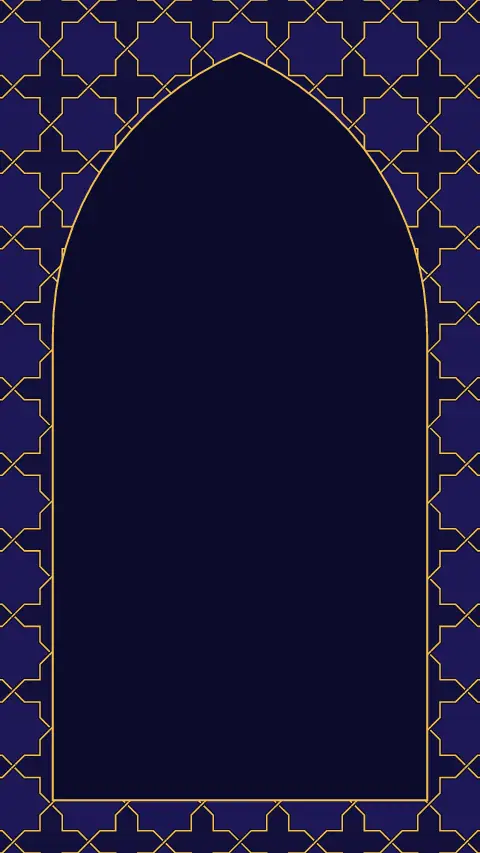
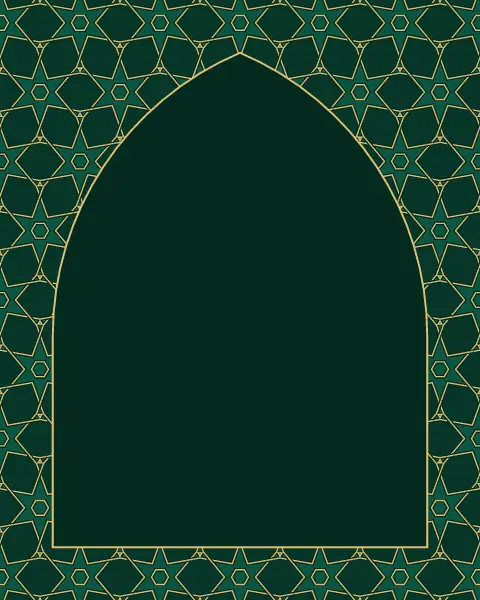
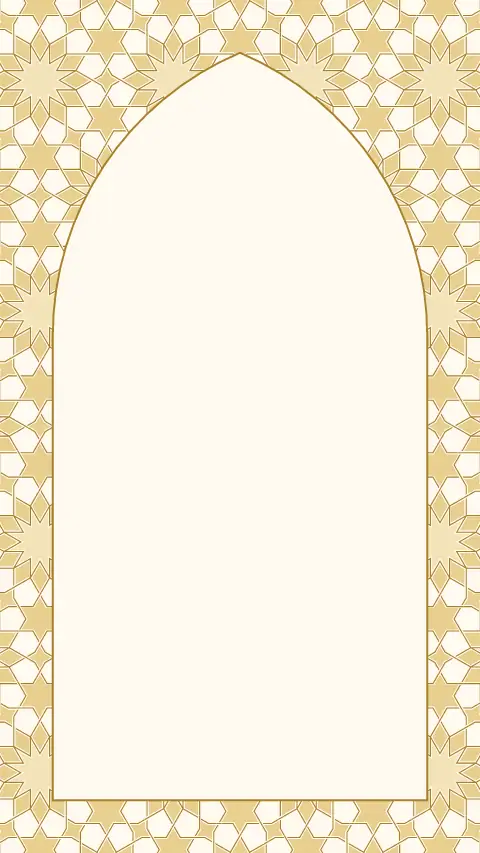
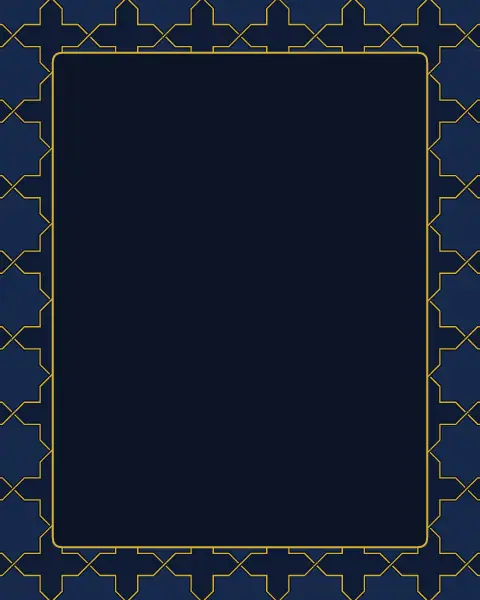
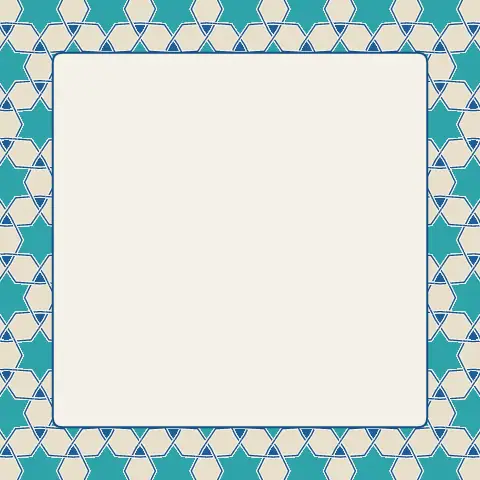
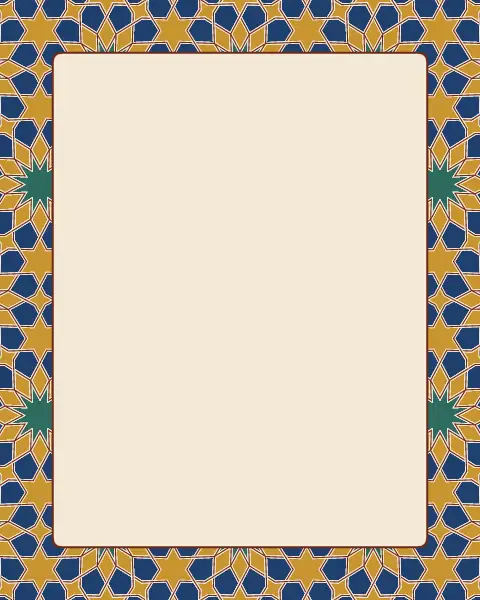
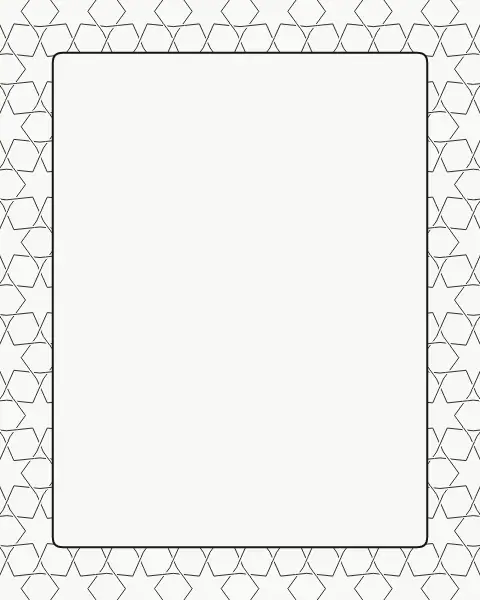
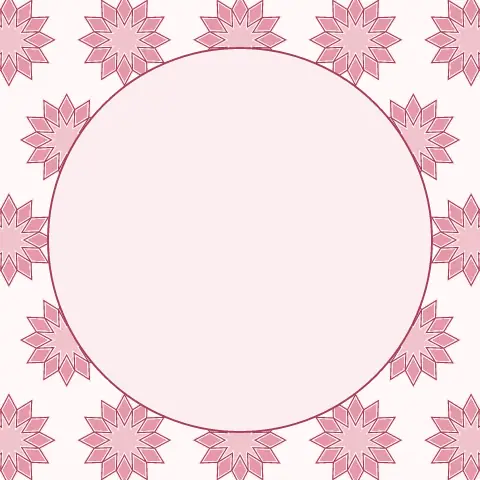
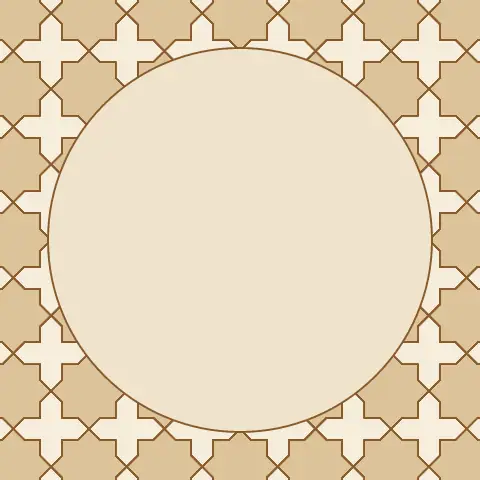
Each frame is a band of geometric pattern around an empty middle, where your words or a photo go. There are three shapes: a pointed arch like a mihrab, a straight border and a circle. Every one comes in story, post and A4 sizes, with a solid or a transparent centre.
Arch frames
Borders
Round frames
Using a frame
- 1
Pick a size. Story for WhatsApp and Instagram, portrait or square for posts, A4 for printing.
- 2
Choose the centre. Solid keeps the colour of the frame; transparent leaves a hole, so a photo or a paper colour shows through.
- 3
Add your words in the app you already use: Canva, PowerPoint, Word or your phone’s photo editor. Moajazah only draws the geometry.
Questions people ask
What is a transparent centre?
The middle of the frame is left empty in the PNG, so whatever you place behind it, a photo or a paper colour, shows through.
Which size should I print?
Use the A4 file (2480 × 3508 px, 300 dpi) for A4 paper. For larger prints, open the frame in the editor and download the SVG, which stays sharp at any size.
Can I change the colours of a frame?
Yes. Open it in the editor, choose another colour set or your own colours, and download it again.